JD Frenzy Maya Deposit and Withdrawal: Full Walkthrough
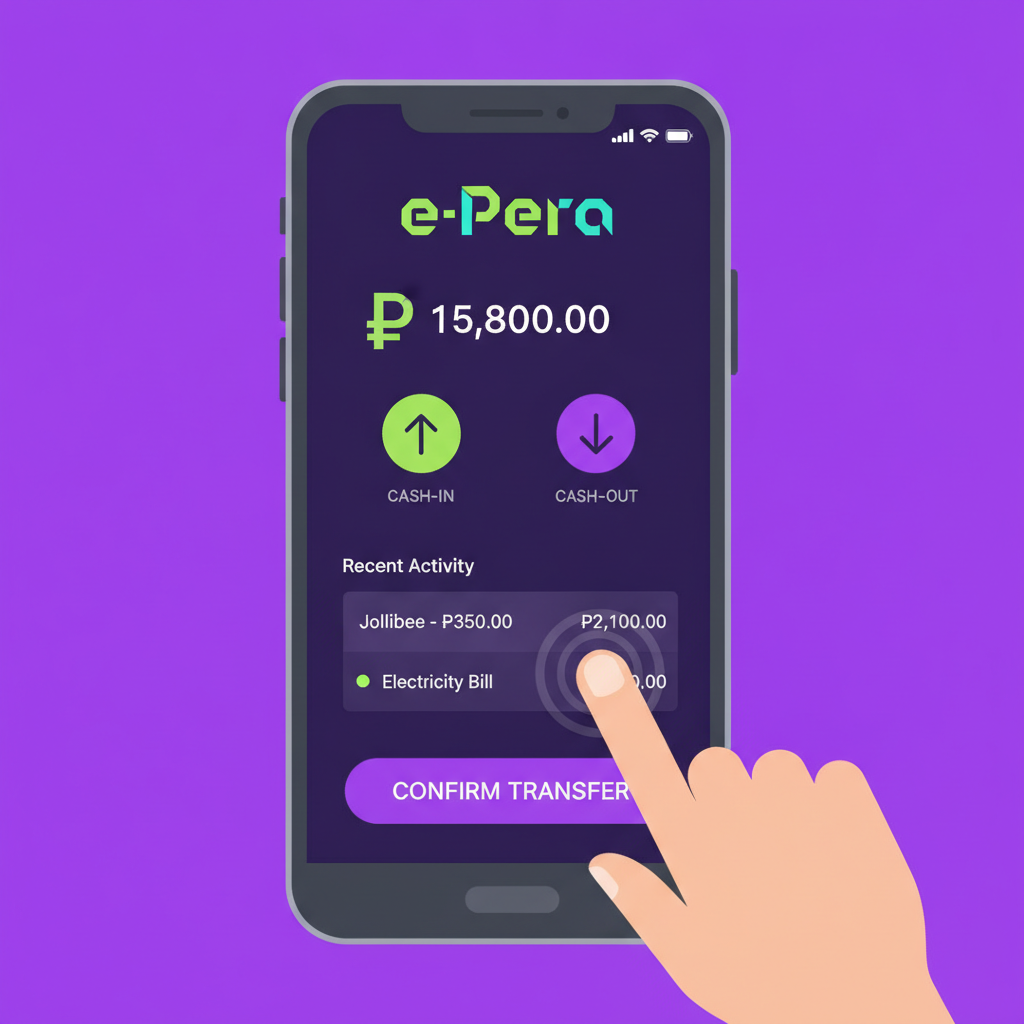
How to Deposit PHP via Maya Wallet
Maya is one of the fastest ways to fund your JD Frenzy account. The platform accepts Maya deposits directly, and most players see their balance update within minutes.
Step 1: Log in and go to Deposit
Open JD Frenzy on your phone or browser. Tap the menu icon and select Deposit or Cashier. You'll see a list of payment options.
Step 2: Select Maya
Choose Maya from the list of e-wallets. If you don't see it immediately, check under the "E-Wallet" or "Instant Deposit" section.
Step 3: Enter your deposit amount
Type the amount you want to deposit in PHP. Most players start with PHP 100–500. JD Frenzy's minimum deposit via Maya is typically PHP 100, though this can vary by promo. Check the cashier screen for the current minimum and maximum per transaction.
Step 4: Confirm and redirect to Maya
Tap Submit or Proceed. JD Frenzy will redirect you to the Maya app or a Maya payment page in your browser. If you're on mobile and have the Maya app installed, it should open automatically.
Step 5: Authorize the payment in Maya
Log in to your Maya account using your PIN, fingerprint, or face unlock. Review the transaction details—merchant name, amount, and reference number—then tap Confirm or Pay Now.
Step 6: Return to JD Frenzy
After you authorize the payment, Maya will redirect you back to JD Frenzy. You should see a confirmation message, and your new balance will appear in the cashier or home screen. If the redirect doesn't happen automatically, close the payment window and refresh your JD Frenzy account page.
Common deposit issues:
- "Payment failed" error: Check that your Maya wallet has enough balance to cover the deposit amount plus any Maya transaction fees.
- Balance not showing: Wait 2–3 minutes and refresh the page. If it still doesn't appear after 10 minutes, screenshot your Maya transaction receipt and contact JD Frenzy support through live chat.
Maya Cashout Steps and Verification Requirements
Withdrawing your winnings to Maya follows a similar flow, but JD Frenzy requires account verification before processing your first cashout.
Verification checklist
Before you request a withdrawal, make sure you've completed these steps:
- Email and mobile number confirmed: JD Frenzy sends a verification link or OTP during registration. Check your inbox and SMS.
- ID upload: Submit a clear photo of one valid government-issued ID—Philippine driver's license, passport, UMID, or postal ID. The photo should show all four corners and readable text.
- Proof of Maya account ownership: Some players are asked to upload a screenshot of their Maya account showing their registered name and mobile number. This helps JD Frenzy confirm that the Maya wallet you're withdrawing to is yours.
JD Frenzy usually reviews verification documents within 24–48 hours on business days. You can check your verification status in the Account or Profile section of the site.
Step 1: Go to Withdraw
Log in, open the menu, and tap Withdraw or Cashout.
Step 2: Choose Maya
Select Maya from the list of withdrawal methods. You'll only see e-wallet and bank options that match the method you used for your last deposit, as a security measure.
Step 3: Enter withdrawal amount
Type the amount you want to cash out. Most operators set a minimum withdrawal of PHP 100 or PHP 200. Check the withdrawal screen for any maximum limits per transaction or per day.
Step 4: Provide your Maya account details
Enter the mobile number registered to your Maya wallet. Double-check the number—incorrect details will delay your cashout or cause it to fail.
Step 5: Submit the request
Tap Confirm or Submit. JD Frenzy will send you a confirmation email or SMS with a reference number. Keep this for your records.
Step 6: Wait for processing
Once approved, JD Frenzy will release the funds to your Maya wallet. You'll receive a push notification from Maya when the money arrives.
Common withdrawal issues:
- "Pending" status for more than 24 hours: This often means JD Frenzy is still reviewing your documents or the request was submitted outside business hours. Contact support if it's been longer than 48 hours.
- Cashout declined: Reasons include incomplete wagering requirements on a bonus, mismatched account details, or using a different withdrawal method than your deposit method. Check your email for specific instructions from JD Frenzy.
Daily and Monthly Maya Transaction Limits
JD Frenzy sets its own limits, and Maya also enforces caps on how much you can send and receive.
JD Frenzy limits (typical values—confirm in the cashier):
- Minimum deposit: PHP 100
- Maximum deposit per transaction: PHP 10,000–PHP 50,000, depending on your account status
- Minimum withdrawal: PHP 100–PHP 200
- Maximum withdrawal per transaction: PHP 10,000–PHP 50,000
- Daily withdrawal cap: PHP 50,000–PHP 100,000 for standard accounts; VIP tiers may have higher limits
Maya wallet limits (as of 2025):
- Basic Maya account: PHP 100,000 per month in total transactions (in + out)
- Upgraded Maya account (after submitting ID and selfie): PHP 100,000 per month for cash-in, higher limits for some transactions
- Maya per-transaction cap: Usually PHP 50,000, but this can vary by merchant
If you plan to deposit or withdraw more than PHP 50,000 in a month, consider spreading transactions across multiple days or upgrading your Maya account through the Maya app.
Processing Times for Maya Deposits vs Withdrawals
Deposits:
Maya deposits at JD Frenzy are near-instant. Once you confirm payment in the Maya app, expect your JD Frenzy balance to update within 1–5 minutes. During peak hours—evenings and weekends—it might take up to 10 minutes.
Withdrawals:
Cashouts take longer because JD Frenzy reviews each request for security and compliance.
- First-time withdrawal: Up to 48 hours, sometimes 72 hours if documents are still under review
- Subsequent withdrawals: 6–24 hours on business days (Monday–Friday, excluding public holidays)
- Weekends and holidays: Requests submitted Friday evening or on weekends are often processed Monday morning
Once JD Frenzy approves and releases the funds, Maya usually credits your wallet within minutes. If JD Frenzy's system shows "Completed" but you haven't received the money in Maya after 30 minutes, check your Maya transaction history or contact Maya support.
Tips to speed up withdrawals:
- Complete all verification steps before your first cashout.
- Use the same mobile number for your JD Frenzy account and your Maya wallet.
- Avoid requesting a withdrawal while you have an active bonus with unmet wagering requirements.
21+ Only and Responsible Gambling
JD Frenzy is for players 21 years of age and older. Online gambling can be entertaining, but it's important to set limits on time and money. Only deposit what you can afford to lose, and take breaks if betting stops being fun.
If you or someone you know needs help managing gambling habits, reach out to a support organization or use JD Frenzy's self-exclusion and deposit-limit tools in the account settings.
Final Checklist
Before you deposit or withdraw via Maya:
- Verify your JD Frenzy account (email, mobile, ID) to avoid delays on your first cashout.
- Check your Maya wallet balance and confirm your mobile number is correct.
- Review transaction limits in the JD Frenzy cashier and in your Maya app.
- Keep screenshots of transaction confirmations and reference numbers.
- Contact support early if a deposit doesn't arrive in 10 minutes or a withdrawal is pending longer than 48 hours.
Maya offers a fast, mobile-friendly way to move PHP in and out of JD Frenzy. Once your account is verified, most deposits land in seconds and most cashouts clear within a day.